Why Your UPI Auto-Pay Is Quietly Draining Your Account (And How to Audit It)
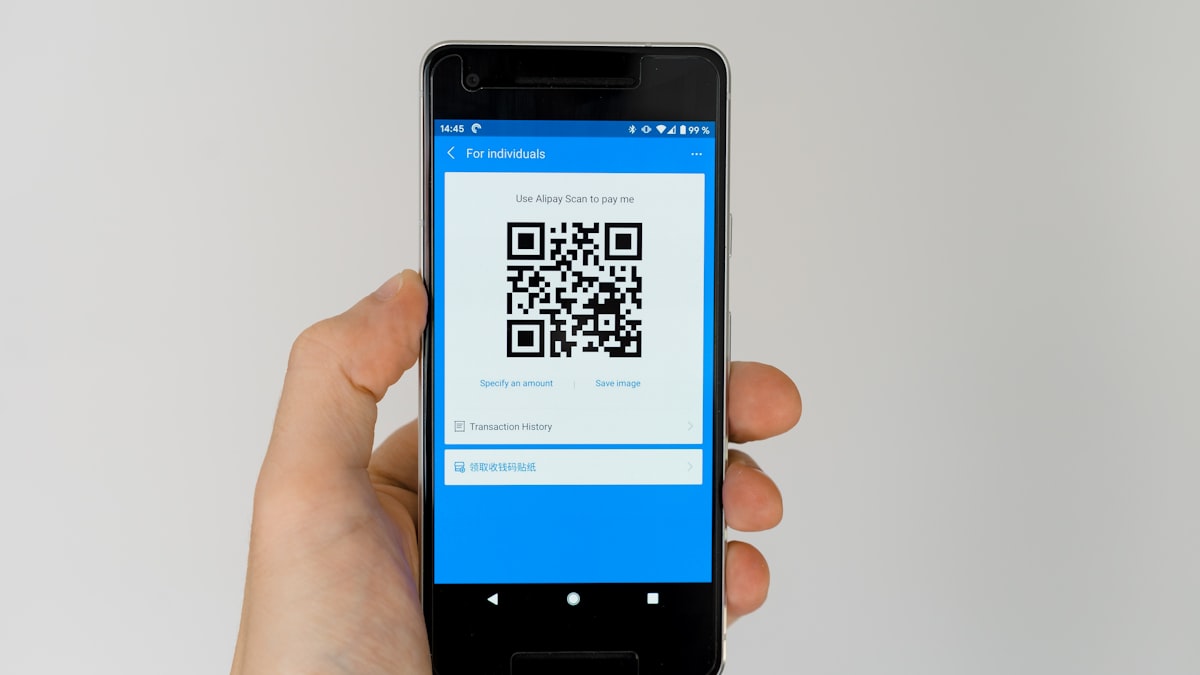
UPI AutoPay (NPCI’s e-mandate system) is the quiet engine behind almost every subscription you’ve ever set up through a UPI app — streaming, EMIs, mutual fund SIPs, cloud storage, even some BNPL repayments. It’s convenient exactly because it’s invisible: once you approve a mandate, money moves without you doing anything, which is also precisely why it’s the easiest kind of spend to lose track of.
Why UPI AutoPay is different from a card auto-debit
With a credit or debit card, a failed or suspicious auto-debit at least shows up as a transaction you can dispute after the fact, and cards have built-in fraud protections. UPI mandates settle directly against your bank balance the moment they trigger — there’s no credit buffer, no statement cycle to catch it before money actually leaves. If your account has enough balance, the debit just happens, silently, on schedule, every single cycle.
This matters because the friction of “does this still make sense” almost never happens again after the first approval. You approved a mandate once, months or years ago, and it has been renewing itself ever since without asking your permission a second time.
How to see every active mandate (do this now)
You don’t need to check every individual app — mandates are visible directly through your UPI app’s central mandate list:
- Open Google Pay, PhonePe, or Paytm (whichever you use for UPI).
- Look for “Mandates,” “AutoPay,” or “Autopay & Subscriptions” — usually under your profile or a payments/history tab.
- You’ll see a list of every active recurring mandate: merchant name, amount, next debit date, and frequency.
- Cross-check this against your bank’s own mandate view — most major banks (HDFC, ICICI, SBI, Axis) show a similar “e-mandate” or “standing instructions” list inside their net banking or app, which sometimes surfaces older mandates your UPI app doesn’t display cleanly.
Because different UPI apps only reliably show mandates created through that specific app, checking just one app can miss mandates you set up elsewhere. If you’ve ever used more than one UPI app, check all of them.
What people typically find
The common surprises when people do this audit for the first time:
- A free trial that converted to paid months ago and has been renewing since — common with content/productivity apps that use AutoPay for the post-trial charge specifically because it’s harder to notice than a card charge.
- Old SIP or investment mandates for a fund they stopped actively tracking, still debiting monthly.
- A subscription under a merchant name that doesn’t match the product — UPI mandates often display the payment aggregator’s or backend merchant’s name rather than the consumer brand, making it genuinely hard to recognize what you’re paying for at a glance.
- Duplicate mandates for the same service after re-subscribing without properly cancelling the original.
How to cancel a mandate
- From the mandate list in your UPI app, tap the specific mandate.
- Select Pause or Cancel (naming varies slightly by app).
- Confirm with your UPI PIN.
- Cancellation typically takes effect before the next scheduled debit, but confirm the exact cutoff — cancelling one or two days before the debit date is safest.
Cancelling the mandate stops future debits but doesn’t cancel your underlying subscription with the merchant — for services with an in-app cancellation flow (like Netflix), cancel there too, otherwise you may just get an email asking you to update your payment method rather than actually losing access.
Once you've found your active mandates, add them here to see the real monthly and yearly total.
Affiliate link — we may earn a commission at no extra cost to you.
Build a 10-minute quarterly habit
Because mandates renew silently, a one-time audit isn’t enough — set a recurring reminder (once a quarter is enough for most people) to reopen your mandate list and re-ask “do I still want this.” It takes about 10 minutes and is consistently one of the highest-value personal finance habits precisely because almost nobody does it.
FAQ
Can a merchant charge more than the mandate amount without my approval? No — for variable amounts above a certain threshold, NPCI rules require an additional pre-debit notification and, for larger amounts, renewed approval. Fixed-amount mandates simply debit the agreed amount on schedule.
Will cancelling a mandate affect my credit score? Cancelling a UPI AutoPay mandate itself doesn’t affect your credit score. If the mandate was funding an EMI or loan repayment, though, make sure you have another payment method set up before cancelling, since a missed loan payment absolutely does affect your score.
Is there a limit to how many mandates I can have active? No hard limit, but each mandate is an independent recurring commitment — the practical limit should be however many you can list from memory. If you couldn’t have named most of them before doing this audit, that’s the actual problem this post is about.
Related posts

The Checkout Insurance Add-Ons You Keep Clicking Past: Are They Worth It?
Travel insurance on IRCTC, extended warranties on Amazon and Flipkart, EMI protection at checkout: what these small add-ons cover, and when to skip them.

Baby Clothes: Why Buying Ahead Rarely Saves Money
Why stocking up on baby clothes in advance during a sale usually costs more than buying as your baby grows, and when buying ahead actually works.

Ganesh Chaturthi to Diwali 2026: A Month-by-Month Guide to Every Sale Trap Coming Your Way
A month-by-month guide to the sale traps Indian shoppers face from Ganesh Chaturthi through Diwali, and how to actually save money in that window.